
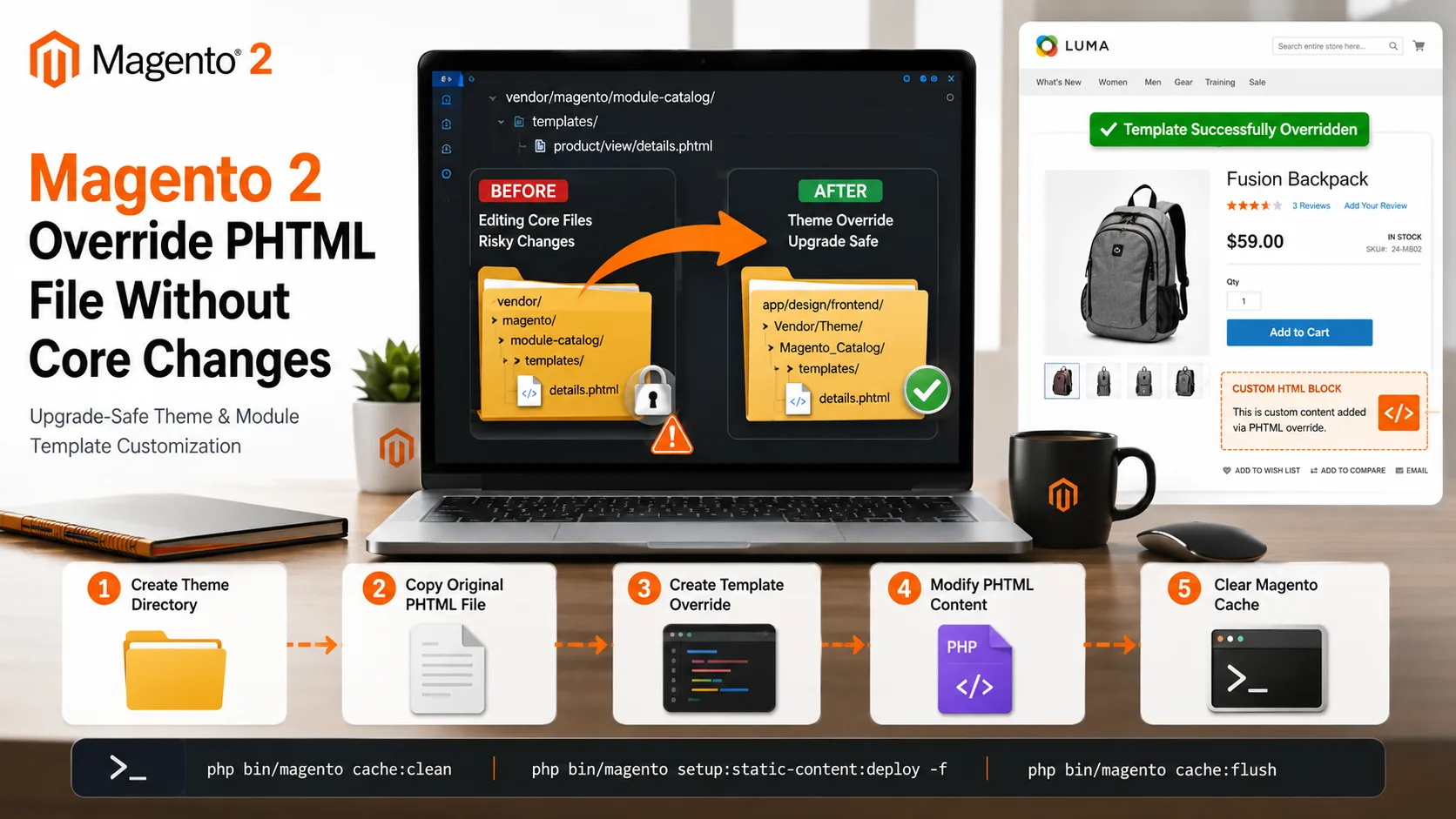
Learn how to override Magento 2 PHTML files without modifying core files. This guide explains theme and module-based template overrides, file structure, layout XML configuration, and upgrade-safe Magento customization methods.
Magento 2 Technical Guides
June 11, 2026
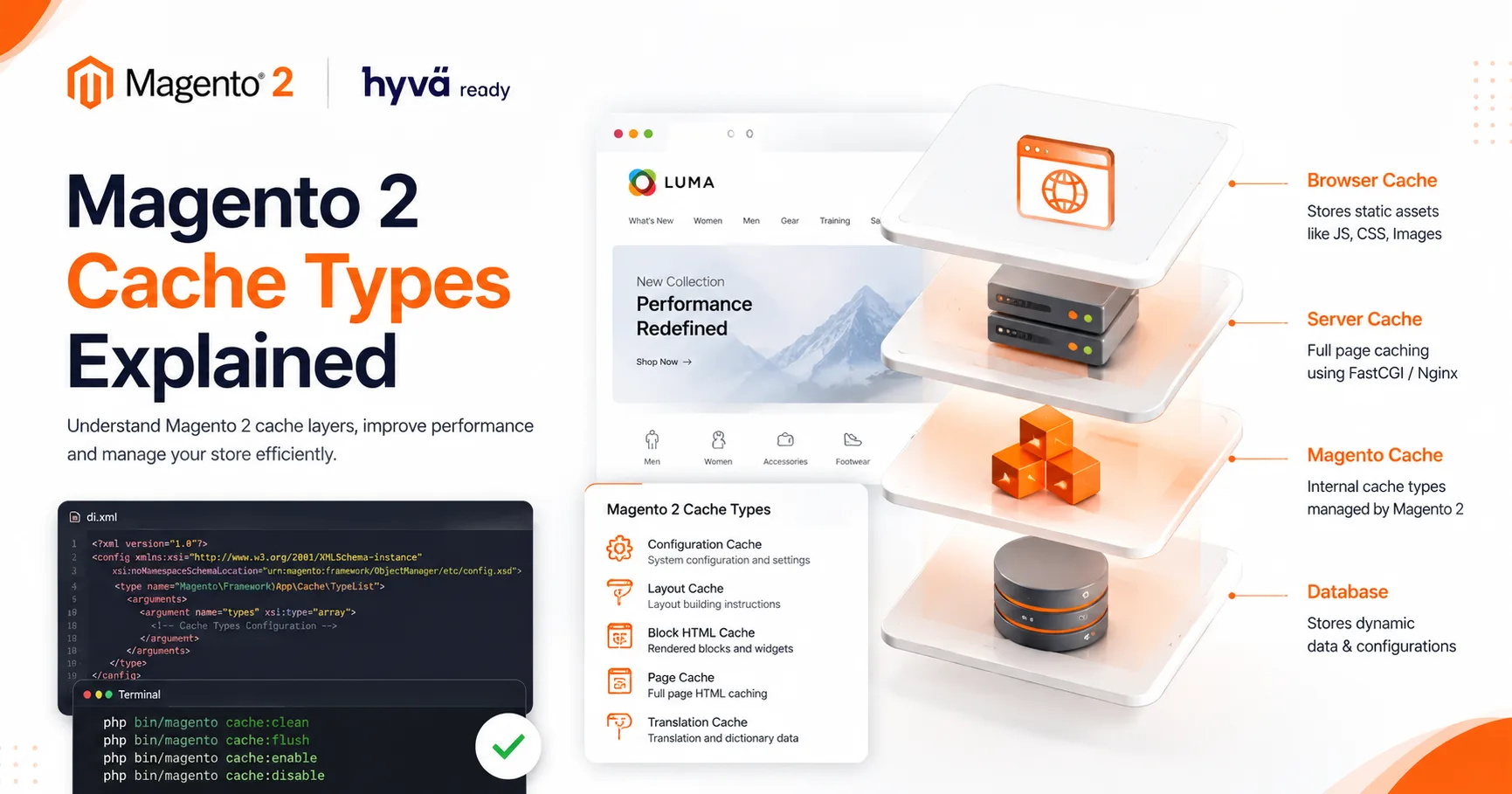
Magento 2 provides different cache types like Configuration Cache, Layout Cache, Block HTML Cache, Page Cache, and Translation Cache. Developers can manage these caches using CLI commands like cache:clean, cache:flush, cache:enable, and cache:disable

June 08, 2026
Learn how to create a custom module in Magento 2 from scratch. This step-by-step guide covers module structure, registration.php, module.xml, module activation commands, and best practices for building upgrade-safe Magento customizations.
June 08, 2026
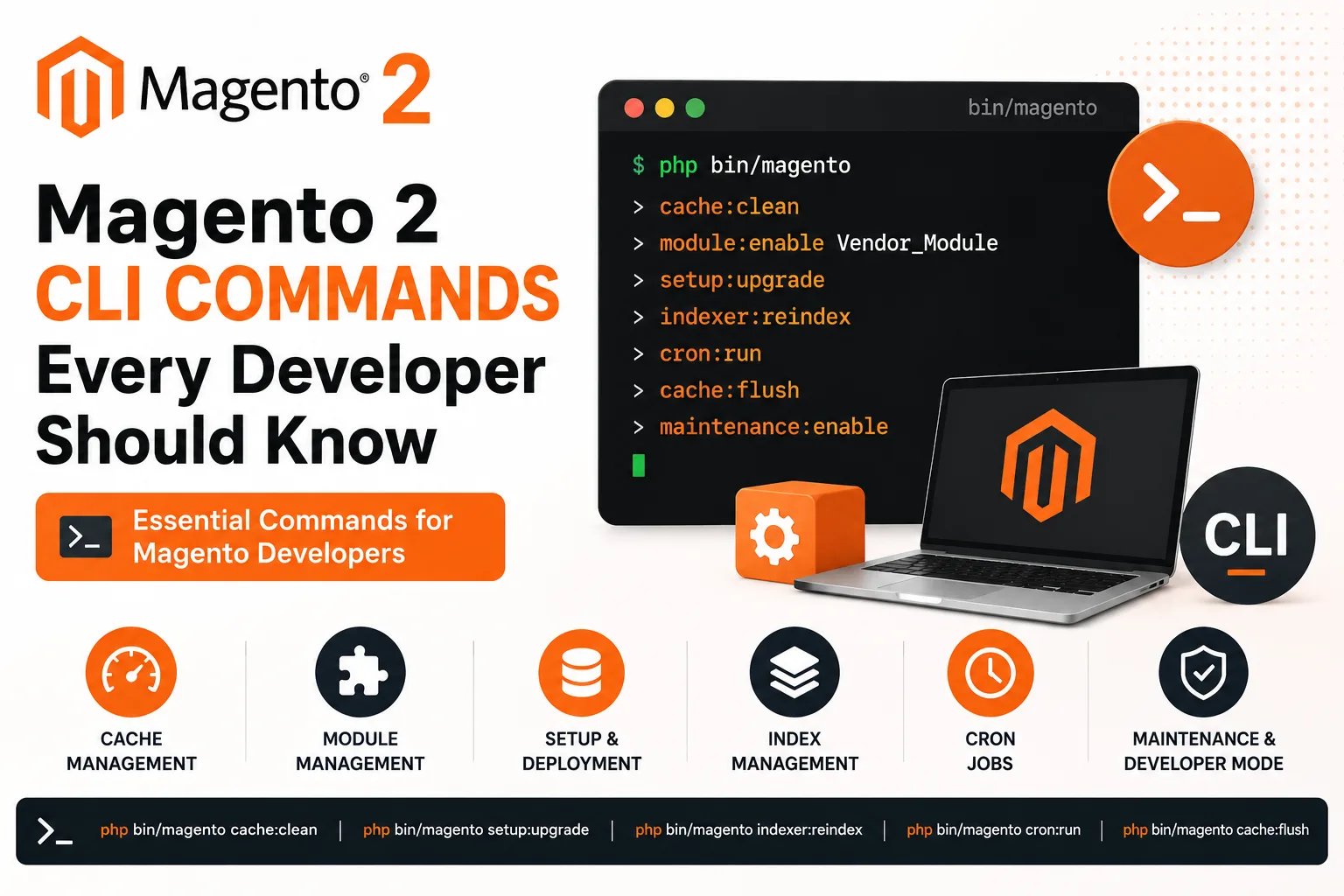
Magento 2 Command Line Interface (CLI) is an essential tool for developers and store administrators. It simplifies tasks such as cache management, module installation, static content deployment, indexer updates, cron management, and maintenance mode operations.
May 30, 2026
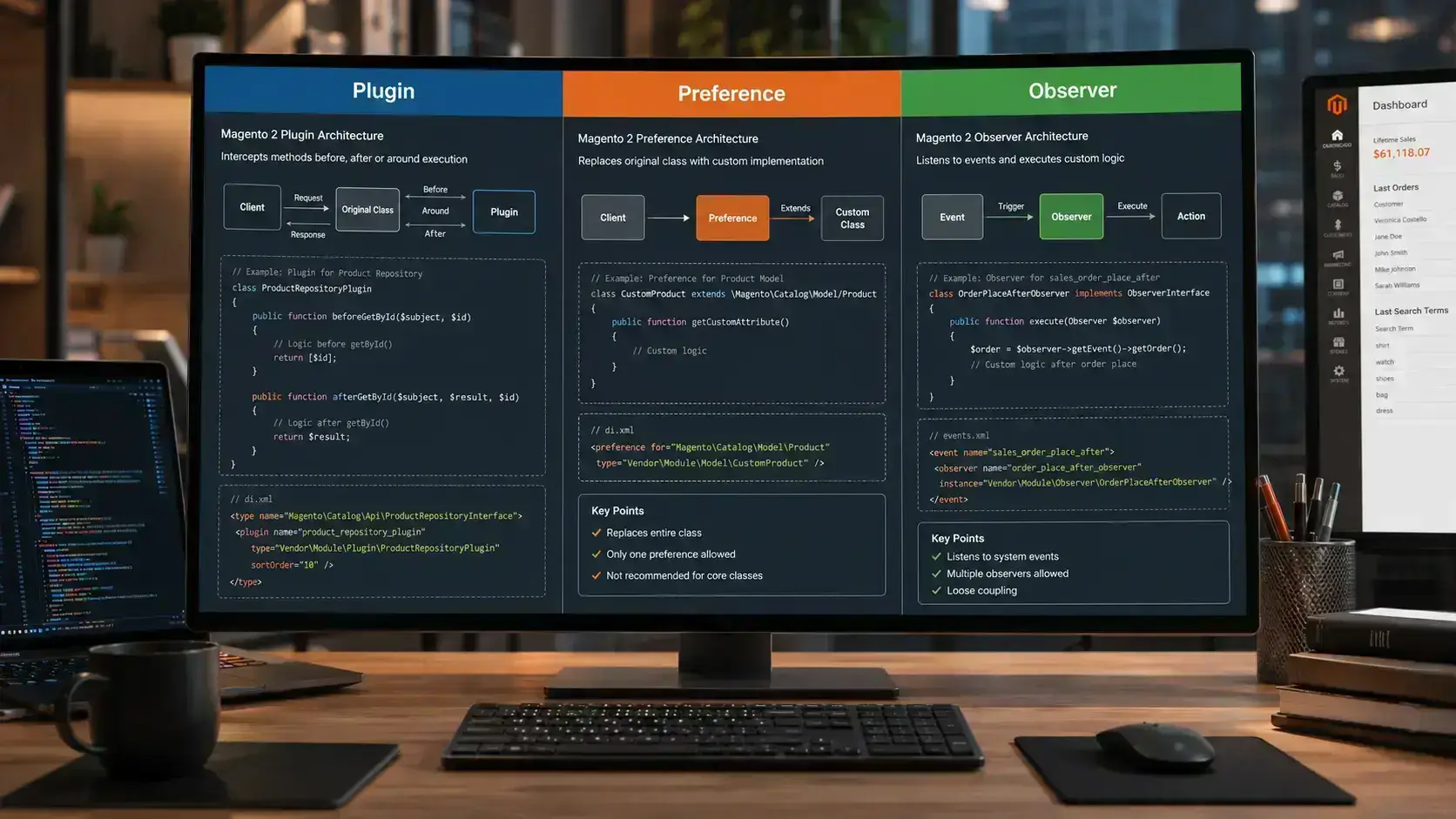
Magento 2 provides multiple ways to customize core functionality without modifying core files. The three most common approaches are Plugins, Preferences, and Observers. Understanding when to use each approach helps developers build scalable, maintainable,
May 30, 2026
When building a Magento 2 store, choosing the right frontend theme plays a major role in website performance, SEO, user experience, and development speed. Magento Luma has been the default theme for years, while Hyvä Theme has become the preferred modern
May 30, 2026
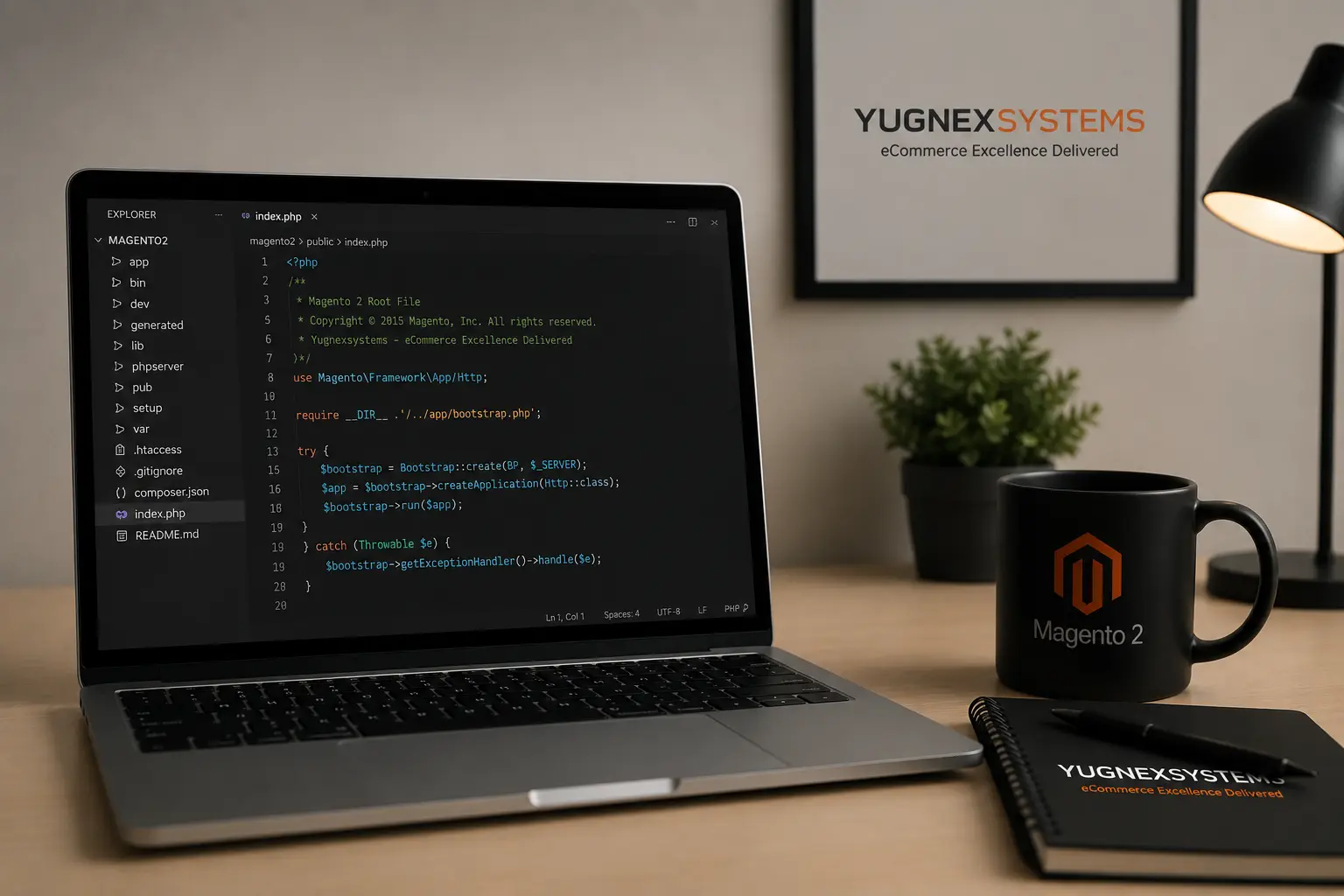
Learn how to create a simple root script in Magento 2 using Bootstrap and Object Manager.This helps developers quickly test code, debug issues, and fetch data directly from Magento.