
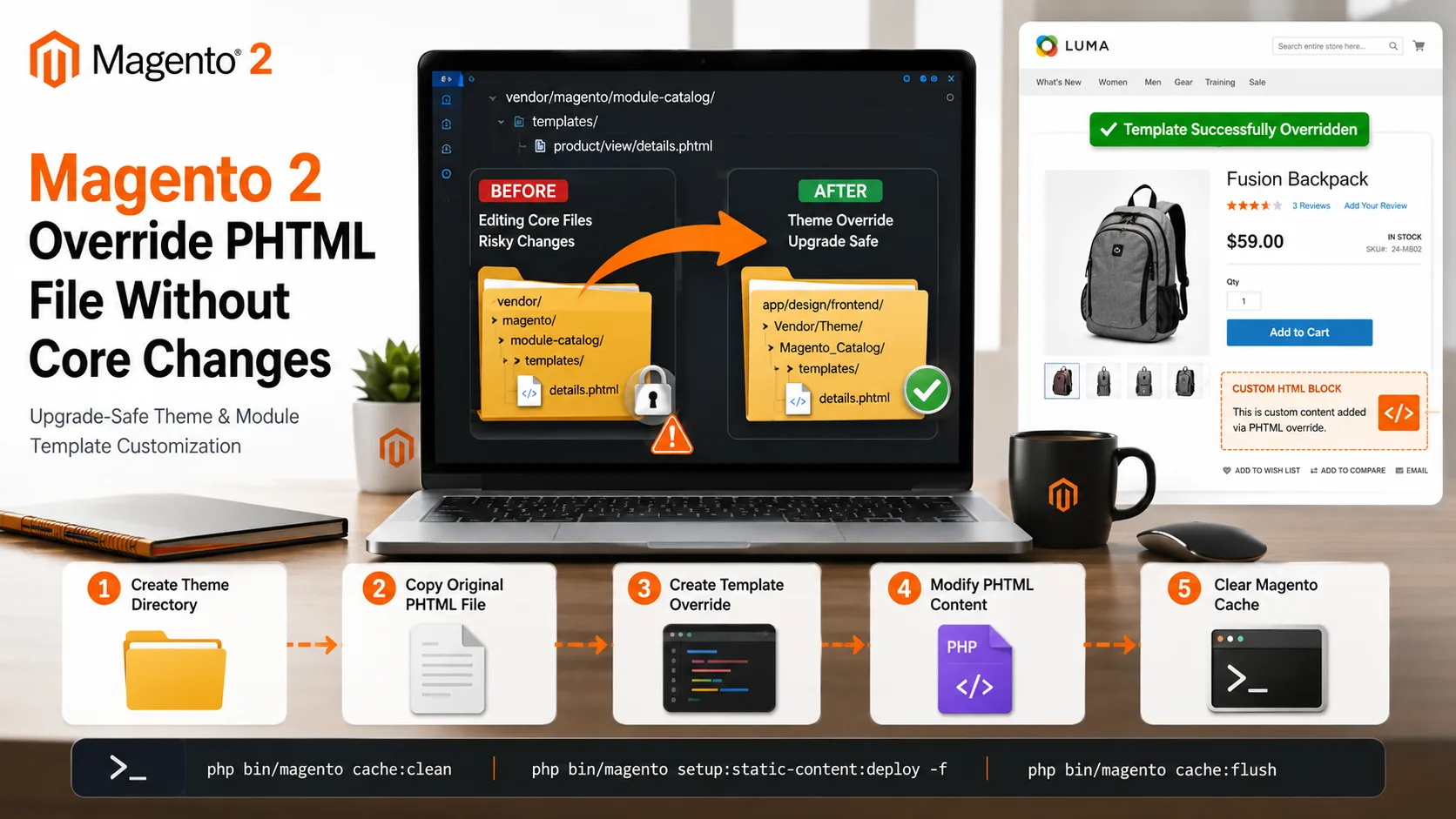
Learn how to override Magento 2 PHTML files without modifying core files. This guide explains theme and module-based template overrides, file structure, layout XML configuration, and upgrade-safe Magento customization methods.
Monthly Archives: June 2026
June 11, 2026
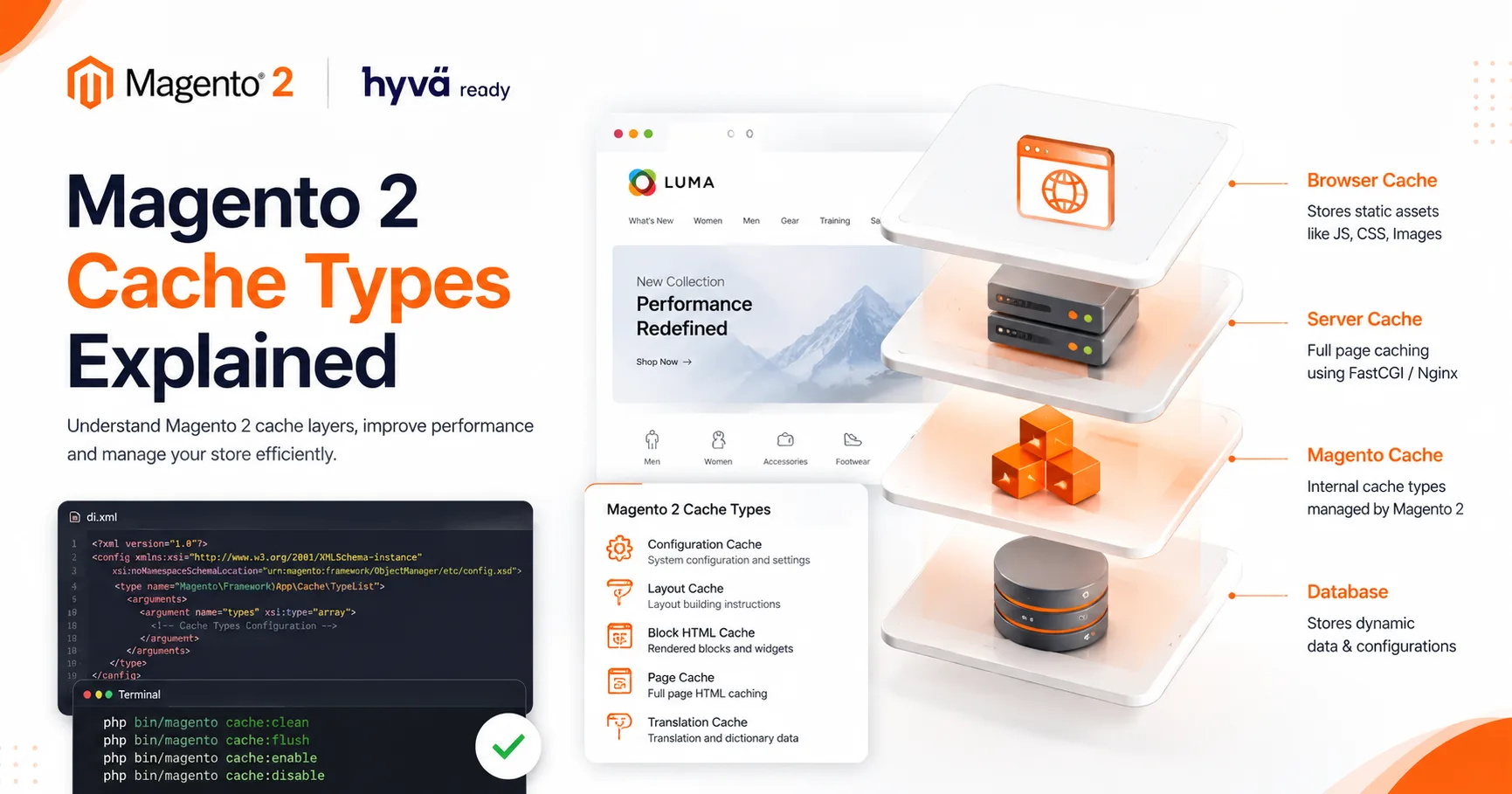
Magento 2 provides different cache types like Configuration Cache, Layout Cache, Block HTML Cache, Page Cache, and Translation Cache. Developers can manage these caches using CLI commands like cache:clean, cache:flush, cache:enable, and cache:disable

June 08, 2026
Magento 2 PageBuilder is enabled by default for many content fields such as category descriptions, CMS pages, and custom WYSIWYG fields. In some situations, you may want to disable PageBuilder and use the classic Magento editor instead. This can be achieved

June 08, 2026
Learn how to create a custom module in Magento 2 from scratch. This step-by-step guide covers module structure, registration.php, module.xml, module activation commands, and best practices for building upgrade-safe Magento customizations.
June 08, 2026
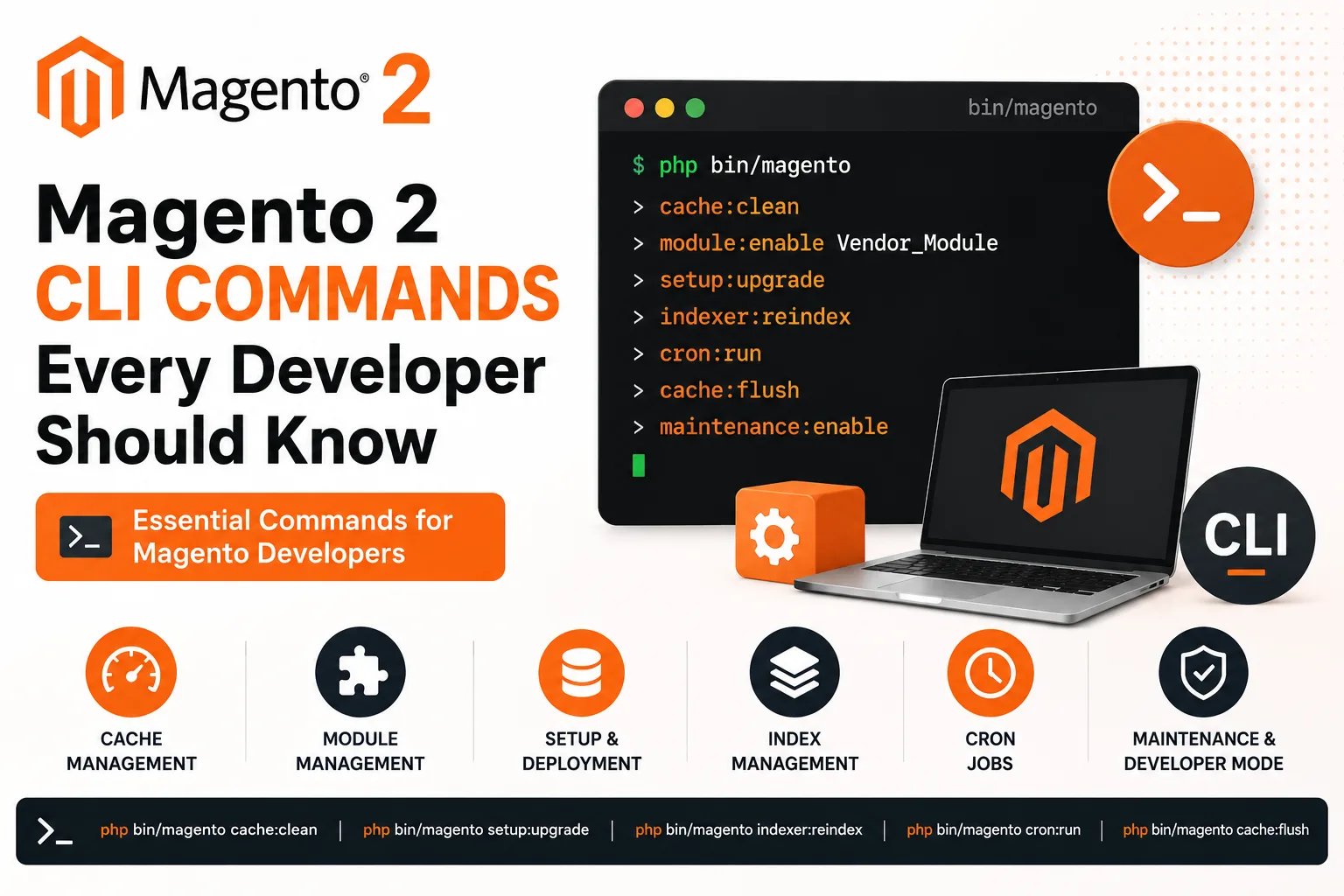
Magento 2 Command Line Interface (CLI) is an essential tool for developers and store administrators. It simplifies tasks such as cache management, module installation, static content deployment, indexer updates, cron management, and maintenance mode operations.
June 07, 2026
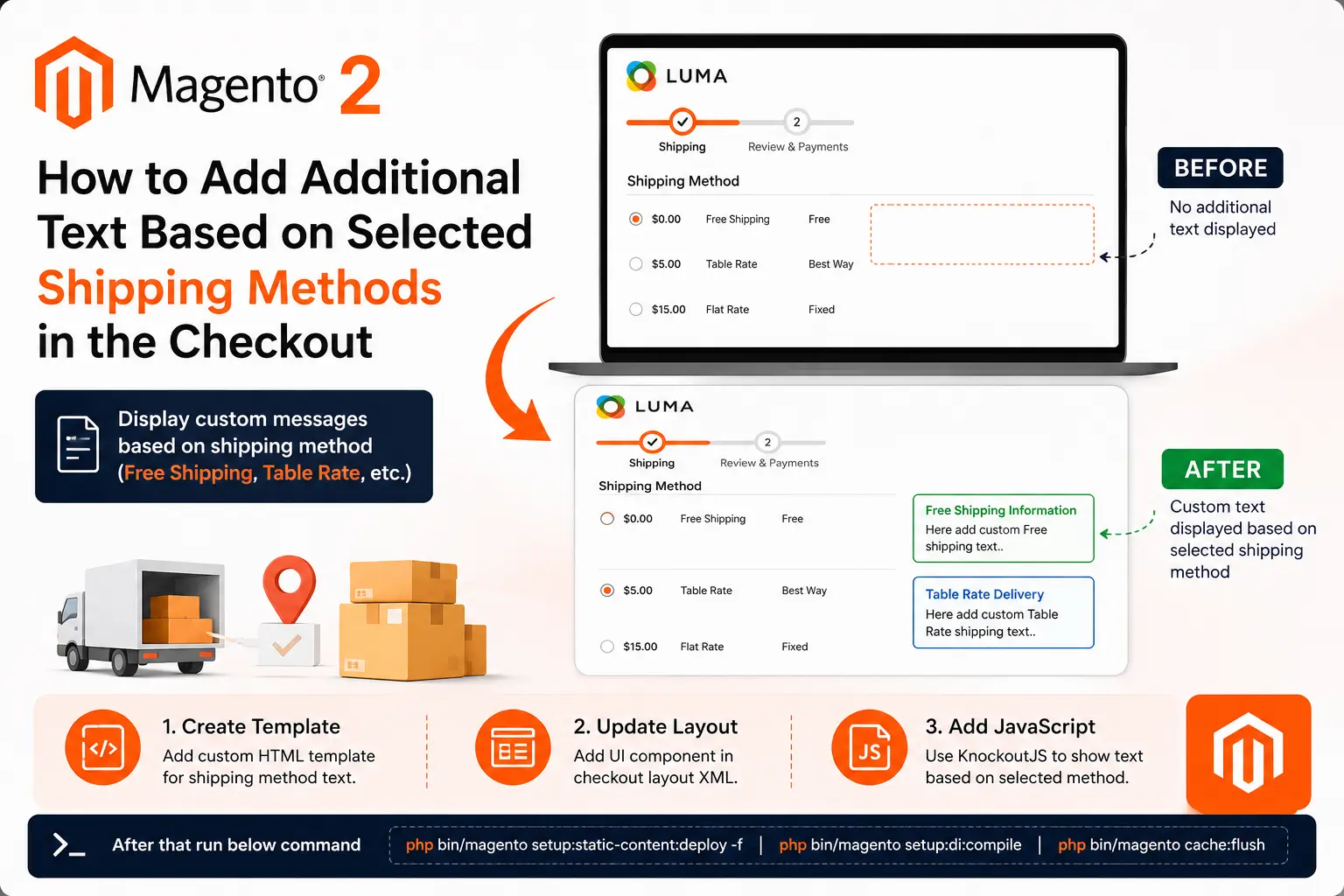
Learn how to display custom messages in the Magento 2 checkout page based on the customer's selected shipping method. This approach improves user experience by providing shipping-specific information such as delivery instructions, estimated delivery details,
June 07, 2026
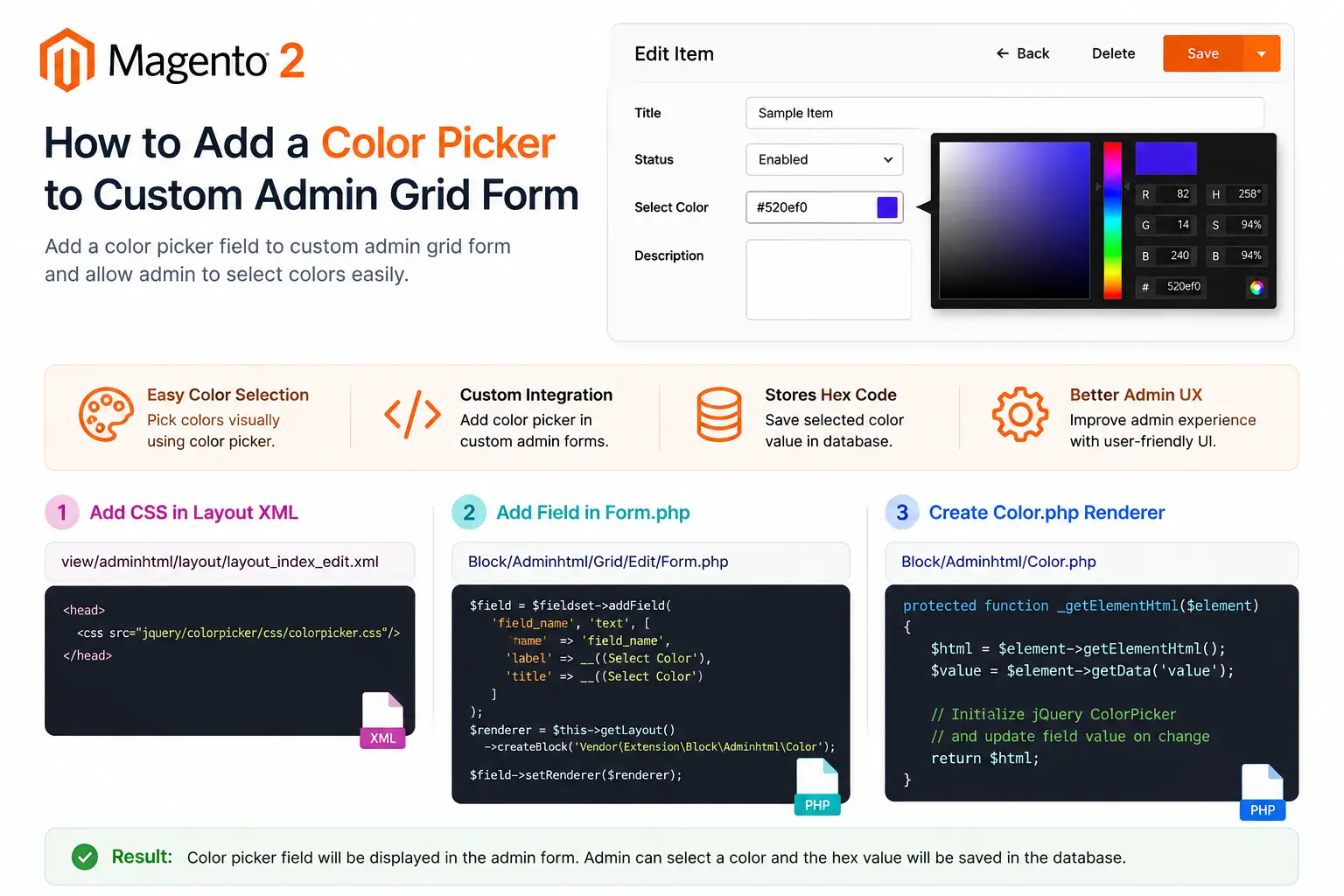
Magento 2 does not provide a color picker field by default for custom admin forms. However, using a custom renderer and the jQuery ColorPicker library, you can easily integrate a color selection field into your admin grid forms. In this tutorial, we will
June 07, 2026
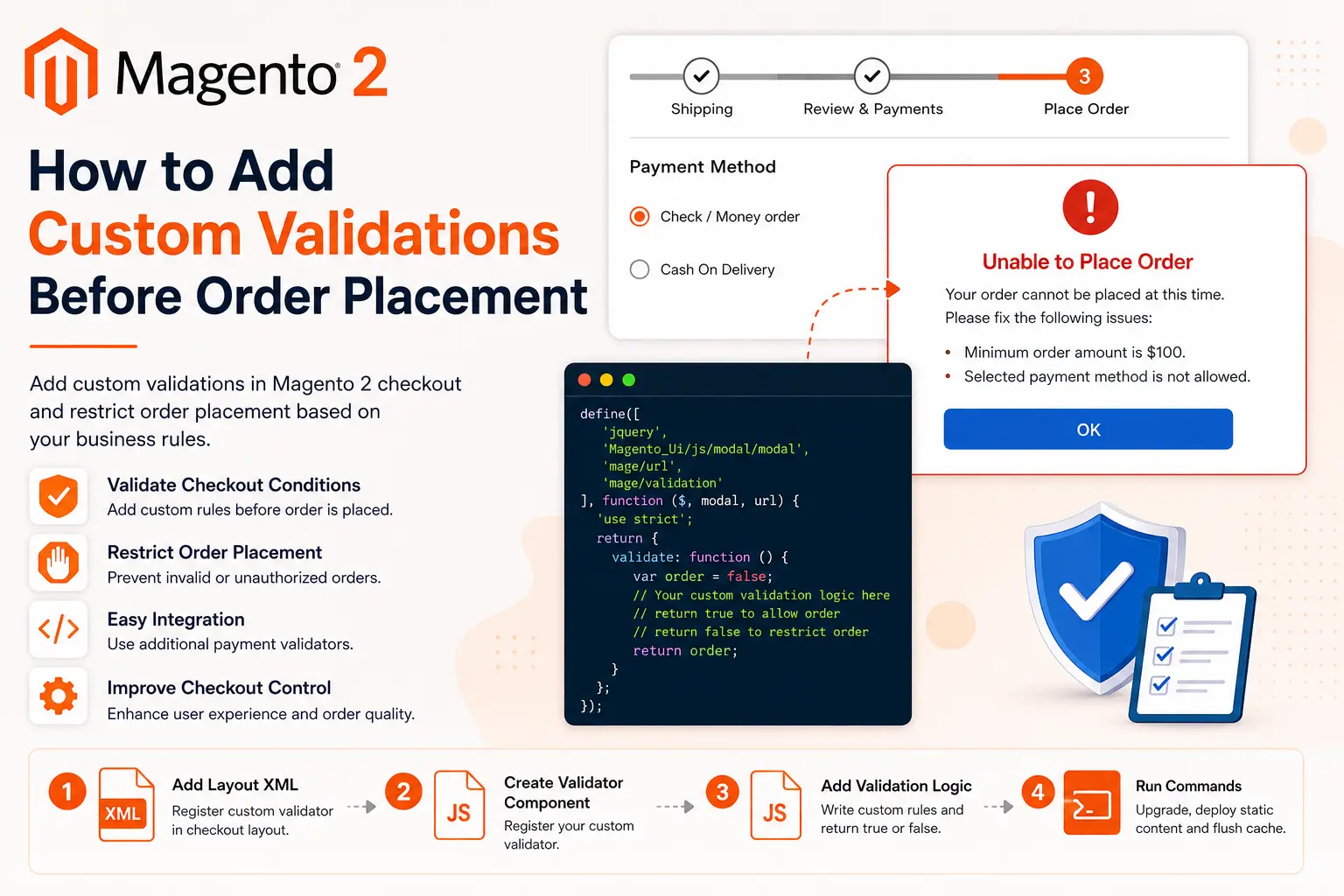
Magento 2 provides an additional payment validator mechanism that allows developers to execute custom validation logic before the order is placed. Using this approach, you can prevent checkout completion based on custom business requirements such as customer